|
Getting your Trinity Audio player ready...
|
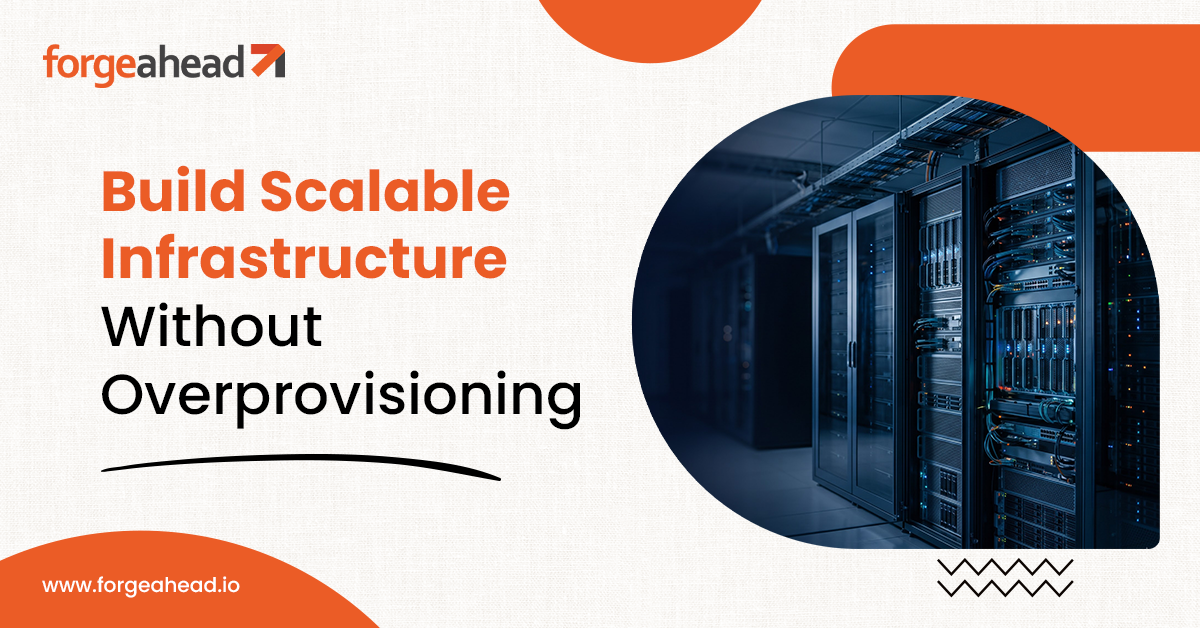
e that buys too little hits a ceiling during its best quarter. Traditional on-premises infrastructure forces that guess. Hardware refresh cycles, fixed capacity and a small IT staff add pressure as the company grows. AWS for SMBs removes much of the guesswork. Capacity can be added in minutes and released when demand falls, so spending follows usage. However, scaling infrastructure effectively requires more than access to cloud resources. SMBs often lack the in-house expertise to design, optimize, and manage cloud environments as their needs evolve. An experienced AWS partner helps bridge that gap, aligning infrastructure with business demand while keeping performance, costs, and reliability in check.
How Does AWS Help SMBs Scale While Managing Costs?
AWS cloud infrastructure scales on demand through services such as Amazon EC2 Auto Scaling, AWS Lambda and Amazon Aurora Serverless. EC2 Auto Scaling adjusts the number of compute instances based on demand and configured scaling policies, while Lambda manages function execution capacity as requests increase or decrease. Aurora Serverless adjusts database capacity according to its configuration and scaling settings. Together, these services help businesses handle changing workloads without provisioning every resource for peak demand in advance. The financial trade-off is that businesses can reduce upfront hardware investments and pay for cloud resources as they use them, while keeping in mind that costs vary with consumption, configuration, and ongoing infrastructure needs.
Pricing alone does not control spend, and four habits keep it in check.
- Right-sizing
Compare instance size with actual utilization every quarter, using AWS Compute Optimizer recommendations. - Commitment pricing
Cover steady workloads with Savings Plans and keep variable ones on demand. - Cost visibility
Tag resources by owner and review AWS Cost Explorer and AWS Budgets alerts by department. - Shutdown schedules
Stop development and test environments outside working hours.
How Does AWS Support Security, Reliability, and Business Continuity?
Security on AWS starts with the shared responsibility model. AWS secures the underlying infrastructure, while the customer configures access, data protection and applications. Misconfiguration falls on the customer’s side of that line, so four controls deserve early attention.
- Access controls
Apply AWS IAM with least privilege and multi-factor authentication, and avoid shared credentials. - Encryption
Enable AWS KMS encryption for data at rest and TLS for data in transit. - Backups
Automate them with AWS Backup and test restores regularly, since an untested backup is an assumption. - Disaster recovery
Match the pattern, such as backup and restore or warm standby, to the business tolerance for downtime and data loss, and document the recovery steps. Review all four quarterly, since new services and new staff change them over time.
What Should SMBs Know About AWS Cloud Migration and Choosing a Partner?
A sound AWS cloud migration starts with an inventory of applications, dependencies, and data volumes, followed by an assessment of each workload’s business value, technical condition, cost, and risk. Based on that assessment, some applications may be rehosted with minimal changes, while others may benefit from replatforming or refactoring, particularly legacy applications with aging databases or unsupported operating systems. Not every workload needs to move to the cloud: some may be retained in their current environment, replaced with a suitable alternative, or retired if they no longer serve a business need. Prioritizing applications based on their expected value and migration complexity helps SMBs control costs, reduce disruption, and focus modernization efforts where they matter most. Starting with a low-risk workload also lets your staff build skills before more critical systems move.
Three risks deserve attention before cutover.
- Downtime
Run old and new systems in parallel and shift traffic in phases. - Hidden dependencies
Trace integrations and scheduled jobs before moving anything. - Cost surprises
Estimate data transfer and run costs as well as compute.
Choosing among AWS partners for SMBs deserves the same rigor. AWS cloud solutions for SMBs vary widely in depth, so ask for AWS-specific references from businesses of your size and a written migration plan with rollback steps. Look for named security ownership and a support model after go-live. A partner that disappears once the project closes leaves your staff to run an environment they did not design.
How Does Forgeahead Help Your SMB Build a Scalable AWS Environment?
Forgeahead helps growing businesses modernize their AWS infrastructure to support increasing workloads, improve operational efficiency, and scale without unnecessary disruption. Its approach focuses on four key areas:
Phased AWS Cloud Migration
Rather than moving every workload at once, Forgeahead can help businesses plan a phased migration based on application dependencies, business priorities, and risk. Each stage includes testing and validation before cutover, helping reduce downtime and maintain business continuity while teams transition to AWS.
Legacy Application Modernization
Legacy applications can limit scalability and slow down innovation. Forgeahead helps businesses modernize these systems incrementally, using API integrations to improve connectivity and identifying components that would benefit from replatforming or refactoring. This allows SMBs to extend the value of existing applications without committing to a complete rebuild upfront.
Serverless and Container-Based Architecture
To accommodate changing workloads, Forgeahead can help design cloud architectures using AWS services such as AWS Lambda, Amazon Aurora Serverless, and Amazon ECS on AWS Fargate. These technologies can reduce infrastructure management overhead and help applications respond to fluctuating demand, making them useful for businesses with variable traffic or evolving resource requirements.
Cost Optimization and Security by Design
Scalable infrastructure must remain secure and financially sustainable as it grows. Forgeahead helps SMBs account for cost and security during AWS modernization planning. This includes assessing resource requirements, incorporating appropriate access controls and encryption, and identifying opportunities to align cloud spending with workload demands. Clear ownership of security and ongoing support helps businesses maintain their AWS environment after migration.
Conclusion
AWS suits growing businesses because capacity, cost and resilience can be adjusted as the business changes. The decision that matters most is who plans and runs the move, since weak planning wastes that flexibility. Forgeahead supports SMBs from migration through modernization. Which workload would give your business the fastest return on AWS? Speak with Forgeahead’s experts to map your first migration wave.
Frequently Asked Questions
1. Why should SMBs use AWS for their cloud infrastructure?
SMBs gain access to enterprise-grade infrastructure without owning hardware. Capacity scales with demand, security tooling is built in and the business pays for what it uses. The trade-off is that cost and security settings need active management. Start with one workload, measure the results and expand once the operating model works.
2. How can AWS help small businesses scale their IT infrastructure?
Use auto scaling for variable workloads and managed services such as Amazon RDS and Aurora to remove routine database administration. Design applications to be stateless where possible so they scale horizontally. Load test before peak periods, and set budgets and alerts so growth in traffic does not create unplanned growth in cost.
3. What should SMBs look for in an AWS partner?
Look for AWS-specific references at your company size, a written migration plan with rollback steps, named ownership for security and a support model after go-live. Ask who will staff the project, how knowledge transfers to your staff and how the partner reports on cost during and after migration, and what happens if priorities change midway.
4. Is AWS cost-effective for small and medium-sized businesses?
Usually, when workloads vary or hardware is due for renewal. Steady workloads can cost more if left on demand, so use Savings Plans and right-size regularly. Compare three-year total cost including staff time, licensing, backup and recovery, not just infrastructure rates. Unmanaged environments tend to overspend, so assign an owner for ongoing review.
5. What risks should SMBs assess before migrating critical workloads to AWS?
Assess downtime during cutover, hidden dependencies, data transfer costs, compliance obligations and staff skills. Rate each workload by business impact and migrate lower-risk ones first. Run old and new systems in parallel, test restores and rollback, and confirm who owns security settings under the shared responsibility model before the first launch.
6. How can SMBs measure the ROI of their AWS cloud investment?
Record baselines before migration for infrastructure cost, incident frequency, release lead time and the cost of the process the workload supports. Re-measure after one quarter and again after a year to confirm gains hold. Include avoided hardware refreshes and downtime, but label them as estimates so finance can separate them